


At Black Flag Design we've helped teams of every size get Claude Code into the hands of the people who need it. Sometimes that's one curious engineer on a Friday afternoon. Sometimes it's a hundred-person org with a security review, an SSO provider, and a procurement process that moves in quarters.
The tools for both situations already exist. The question is which door to walk through. Here's the map we give clients, and the sequence we'd actually run if we were starting fresh on Monday.
1. Start with one developer, not a committee
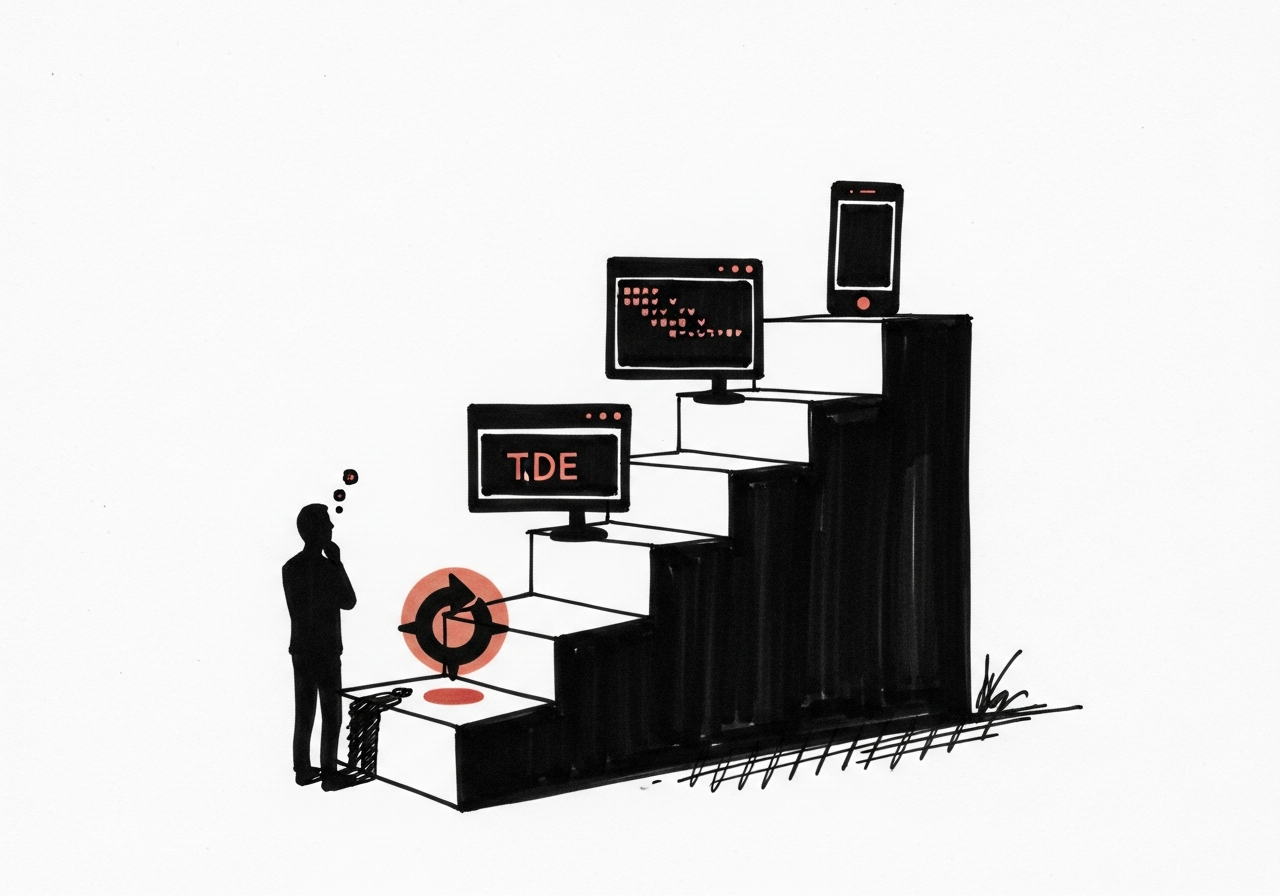
The fastest way to learn whether Claude Code fits your team is to put it in front of one person who actually writes code, and let them try it on real work for a week. Not a pilot program. Not a bake-off. One person, one repo, one week.
The install surface is deliberately broad. The CLI runs in the terminal; there are IDE extensions for VS Code and the JetBrains family; a web app lives at claude.ai/code; and a desktop app exists for Mac and Windows. A free trial under a standard Claude subscription is enough to get a real feel. Start there before you price anything.
What to do: pick the most Claude-curious engineer on your team, give them a trial account, and ask them to ship one small PR with it by Friday.
2. Pick the right plan tier for the shape of your use
There are four plan shapes worth knowing, and they suit different stages of adoption:
- Free trial under a Claude subscription. Low friction, great for the one-developer-one-week test above.
- Paid Claude subscription (Pro, Max). Fine for individuals and very small teams who want steady access without setting up billing infrastructure.
- Anthropic API with pay-as-you-go billing. This is where most small and mid-size engineering teams land. You get usage-based billing, per-key controls, and the ability to scope spend by project.
- Enterprise plan. SSO, centralized billing, admin controls, audit logging, and the kind of contract your security team wants to see before they'll sign off.
The honest framing we give clients: don't start enterprise. Start one rung below, prove the value, then level up when the friction (billing, access, audit) actually starts costing you.
What to do: match the plan to where your adoption is today, not where you hope it'll be next quarter. You can always upgrade; you can't easily undo a six-month procurement cycle you didn't need.
3. Set up the repo before you set up the team
An organization rollout that skips the repo-level setup is the fastest path we've seen to drift and frustration. Before you invite a single new user, two things need to be in place in every repo people are going to use Claude Code in:
CLAUDE.mdat the repo root. This is the rules-of-the-house file: what the project is, what directories mean, what patterns to follow, what to never touch. One page is plenty. See what a year of Claude Code trails tells you for why this file does more work than any prompt..claude/settings.jsonwith a sensible allow list. This is where you tell Claude Code which commands it can run without asking every time. A good default: allow read-only tools (Read, Grep, Glob, git status, git diff) and require confirmation for anything that writes or pushes.
These two files turn Claude Code from a clever autocomplete into a teammate that knows the codebase. Without them, every new user relearns the same lessons the hard way.
What to do: before you roll out, commit a CLAUDE.md and a minimal settings.json to every repo. Make it part of "new repo" setup, alongside your linter config.
4. Decide your access policy before you hand out keys
Once more than a handful of people are using Claude Code, three organization-level questions come up fast, and you want the answers written down before they do:
- Who can install it and on which machines? If your team manages laptops through MDM, add the CLI and IDE extensions to the approved list. If they don't, pick one sanctioned install path and document it.
- How are API keys handled? Per-user keys scoped by project beat shared keys, every time. Rotate on a schedule. Never check a key into a repo, and use a secret manager (1Password, Doppler, AWS Secrets Manager) rather than
.envfiles passed around in Slack. - What's auditable? The Anthropic API and enterprise plans give you usage data per key. Log it somewhere you actually look at. If you can't answer "who ran which session against which repo last Tuesday" inside a minute, you don't have an audit trail; you have a vibe.
What to do: write a one-page access policy covering install, keys, and audit. Ship it before the tenth user, not after the hundredth.
5. Treat governance as a lightweight habit, not a gate

The teams we've watched stall on Claude Code adoption are rarely stalled on the technology. They're stalled on the governance conversation that never got scheduled. The good news: you don't need a governance board. You need three short habits.
First, a weekly review of spend and session counts. Who's using it, how much, and on what. This takes ten minutes and surfaces problems (or wins) early.
Second, a quarterly look at access. New hires in, departures off, key rotation done. This is the same discipline you already apply to every other SaaS tool; don't invent a new one here.
Third, a shared place to post prompts, skills, and lessons learned. A single Notion page or a docs/claude-code.md in your main repo is plenty. You're not writing a policy manual; you're writing a field guide for the next teammate.
What to do: put a recurring 15-minute "Claude Code review" on the engineering team's calendar. Start the week after your first five users are live.
6. Run a real first 30 days
Here is the sequence we'd actually run for a team of 10 to 50 engineers starting from zero:
- Day 1 to 7: one developer runs a free trial on real work. Ships one PR.
- Day 8 to 14: add two more developers. Set up
CLAUDE.mdand.claude/settings.jsonin the repos they touch most. Move to a paid subscription or API billing. - Day 15 to 21: write the one-page access policy. Pick a secret manager. Rotate the first round of keys. Add the weekly review meeting.
- Day 22 to 30: open adoption to the rest of engineering. Share the
docs/claude-code.mdfield guide. Decide whether enterprise-plan features (SSO, centralized admin, audit) are worth the procurement lift or whether you're happy on the API tier for another quarter.
That cadence gets you from zero to a working team rollout in a month, without any heroics.
What to do: put the four weeks on a calendar. Assign an owner to each. Don't skip the repo setup week; it's the one people want to skip and the one that pays the most.
The one-paragraph version
Getting Claude Code into your org is a progression, not a decision. Start with one developer on a free trial. Move to paid or API when you've seen value. Set up CLAUDE.md and settings.json in the repos before you onboard the team. Write a one-page access policy covering install, keys, and audit. Add a weekly 15-minute review. Go enterprise when the friction justifies it, not before. The path is well-worn; the only way to get it wrong is to try to skip straight to the end.
If you're mapping out your rollout and want a second pair of eyes, reach out. We've run this sequence enough times to save you a few weeks.

%22%2F%3E%3Cpath%20d%3D%22M0%20110h1200M0%20375h1200M0%20640h1200M180%200v750M600%200v750M1020%200v750%22%20stroke%3D%22rgb(244%20241%20234)%22%20stroke-opacity%3D%22.13%22%20stroke-width%3D%222%22%2F%3E%3Crect%20x%3D%2288%22%20y%3D%2286%22%20width%3D%221024%22%20height%3D%22578%22%20fill%3D%22none%22%20stroke%3D%22rgb(244%20241%20234)%22%20stroke-opacity%3D%22.32%22%20stroke-width%3D%223%22%2F%3E%3Ctext%20x%3D%22110%22%20y%3D%22150%22%20fill%3D%22rgb(244%20241%20234)%22%20font-family%3D%22Montserrat%2C%20Arial%2C%20sans-serif%22%20font-size%3D%2228%22%20font-weight%3D%22800%22%20letter-spacing%3D%228%22%3ECLAUDE%20CODE%3C%2Ftext%3E%3Ctext%20x%3D%22110%22%20y%3D%22572%22%20fill%3D%22rgb(244%20241%20234)%22%20font-family%3D%22Montserrat%2C%20Arial%2C%20sans-serif%22%20font-size%3D%2276%22%20font-weight%3D%22900%22%3EBLACK%20FLAG%3C%2Ftext%3E%3Ctext%20x%3D%22110%22%20y%3D%22635%22%20fill%3D%22rgb(244%20241%20234)%22%20font-family%3D%22Montserrat%2C%20Arial%2C%20sans-serif%22%20font-size%3D%2252%22%20font-weight%3D%22700%22%3EJOURNAL%3C%2Ftext%3E%3CforeignObject%20x%3D%22110%22%20y%3D%22210%22%20width%3D%22940%22%20height%3D%22230%22%3E%3Cdiv%20xmlns%3D%22http%3A%2F%2Fwww.w3.org%2F1999%2Fxhtml%22%20style%3D%22font-family%3AMontserrat%2CArial%2Csans-serif%3Bfont-size%3A50px%3Bfont-weight%3A800%3Bline-height%3A1.02%3Bcolor%3Argb(244%20241%20234)%3Bletter-spacing%3A0%22%3EWhat%20a%20Year%20of%20Claude%20Code%20Trails%20Tells%20You%20About%20Your%20Team%3C%2Fdiv%3E%3C%2FforeignObject%3E%3C%2Fsvg%3E)
%22%2F%3E%3Cpath%20d%3D%22M0%20110h1200M0%20375h1200M0%20640h1200M180%200v750M600%200v750M1020%200v750%22%20stroke%3D%22rgb(244%20241%20234)%22%20stroke-opacity%3D%22.13%22%20stroke-width%3D%222%22%2F%3E%3Crect%20x%3D%2288%22%20y%3D%2286%22%20width%3D%221024%22%20height%3D%22578%22%20fill%3D%22none%22%20stroke%3D%22rgb(244%20241%20234)%22%20stroke-opacity%3D%22.32%22%20stroke-width%3D%223%22%2F%3E%3Ctext%20x%3D%22110%22%20y%3D%22150%22%20fill%3D%22rgb(244%20241%20234)%22%20font-family%3D%22Montserrat%2C%20Arial%2C%20sans-serif%22%20font-size%3D%2228%22%20font-weight%3D%22800%22%20letter-spacing%3D%228%22%3EPLAYBOOK%3C%2Ftext%3E%3Ctext%20x%3D%22110%22%20y%3D%22572%22%20fill%3D%22rgb(244%20241%20234)%22%20font-family%3D%22Montserrat%2C%20Arial%2C%20sans-serif%22%20font-size%3D%2276%22%20font-weight%3D%22900%22%3EBLACK%20FLAG%3C%2Ftext%3E%3Ctext%20x%3D%22110%22%20y%3D%22635%22%20fill%3D%22rgb(244%20241%20234)%22%20font-family%3D%22Montserrat%2C%20Arial%2C%20sans-serif%22%20font-size%3D%2252%22%20font-weight%3D%22700%22%3EJOURNAL%3C%2Ftext%3E%3CforeignObject%20x%3D%22110%22%20y%3D%22210%22%20width%3D%22940%22%20height%3D%22230%22%3E%3Cdiv%20xmlns%3D%22http%3A%2F%2Fwww.w3.org%2F1999%2Fxhtml%22%20style%3D%22font-family%3AMontserrat%2CArial%2Csans-serif%3Bfont-size%3A50px%3Bfont-weight%3A800%3Bline-height%3A1.02%3Bcolor%3Argb(244%20241%20234)%3Bletter-spacing%3A0%22%3EThe%20Black%20Flag%20Playbook%3A%20Six%20Principles%20for%20Shipping%20with%20AI%3C%2Fdiv%3E%3C%2FforeignObject%3E%3C%2Fsvg%3E)