


At Black Flag Design we run every client engagement through the same instrument: designers and engineers sharing one Claude Code session, one repo, one review loop. A year of that discipline on the engineering side taught us a lot about what makes a session productive. But the question we keep getting from designers is different: is any of this actually for me?
The short answer is yes. The longer answer is that the designers who've leaned in have changed how they work more than the engineers did. Here's what we'd tell a designer stepping into Claude Code for the first time.
1. You're not writing code, you're directing it

The mental model that trips designers up is thinking Claude Code is a coding tool you have to learn to code to use. It isn't. It's a directed build tool. You describe the frame, the behavior, the token, the state. Claude Code does the typing. The craft shifts from syntax to specification.
The designers who took to it fastest stopped trying to translate their intent into engineering language and started writing it the way they'd write a design critique: make this spacing match the card grid on /pricing, use the same hover treatment we used on the dashboard CTA, and keep the focus ring from the style guide. That's a prompt Claude Code can execute cleanly. "Build a button component" is not.
What to do: write prompts the way you'd hand off to a very fast junior designer. Point at the reference. Name the token. Describe the state. Skip the implementation.
2. Screenshots are the unit of truth, not the diff
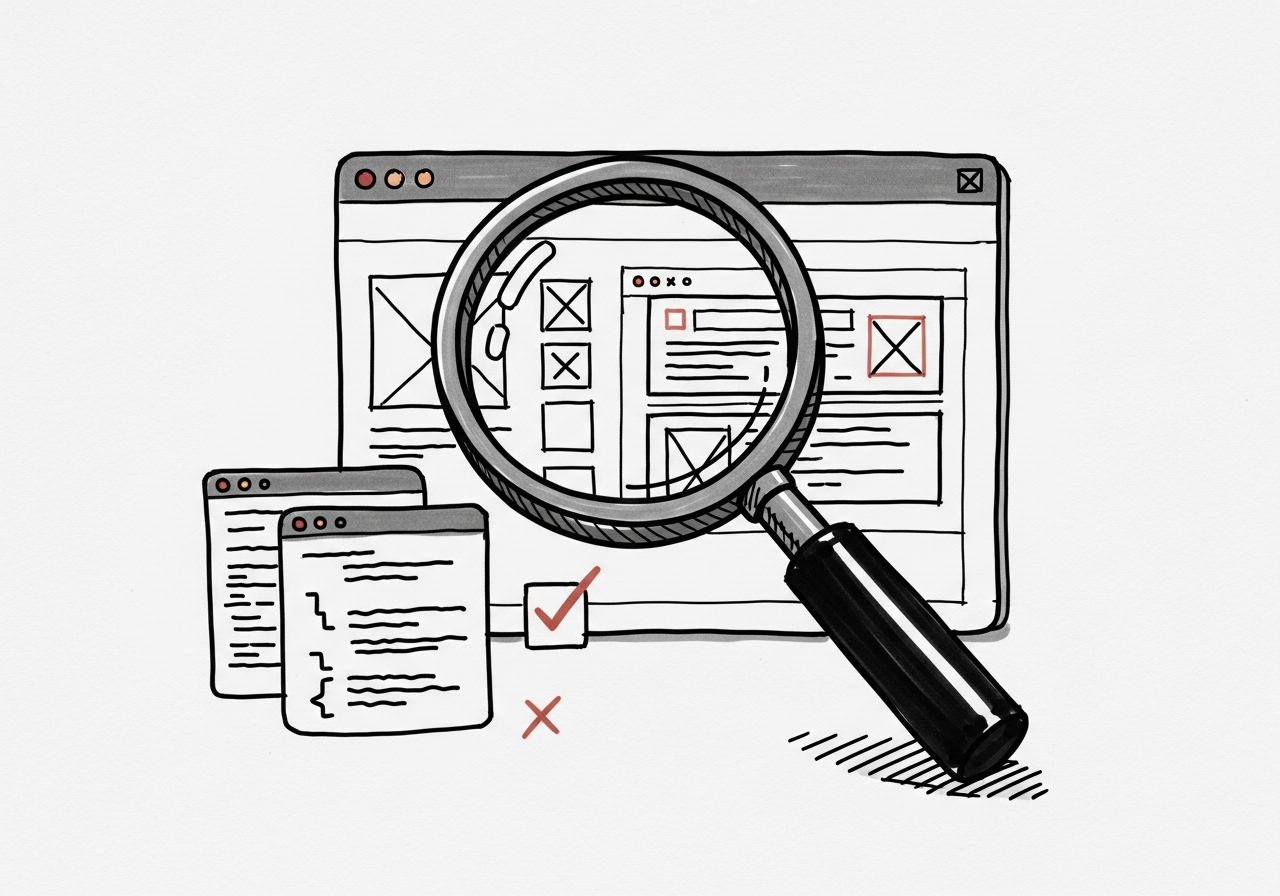
Engineers review code by reading diffs. Designers can't. And shouldn't. The only review that matters for UI work is the pixels on screen, in a real browser, at the real breakpoint.
Claude Code now runs a preview out of the box (Claude Preview, browser MCPs), and that changes what a review session looks like. You branch, Claude implements, the preview reloads, you look. If the pixels are wrong, you say what's wrong and iterate. If the diff is clever but the thing looks off, the diff is wrong.
What to do: never approve a UI change without seeing it rendered. A green CI check is not a design review. Open the preview, resize the window, tab through the focus states. If you didn't look at it, you didn't review it.
3. Your design system belongs in the repo, not in Figma
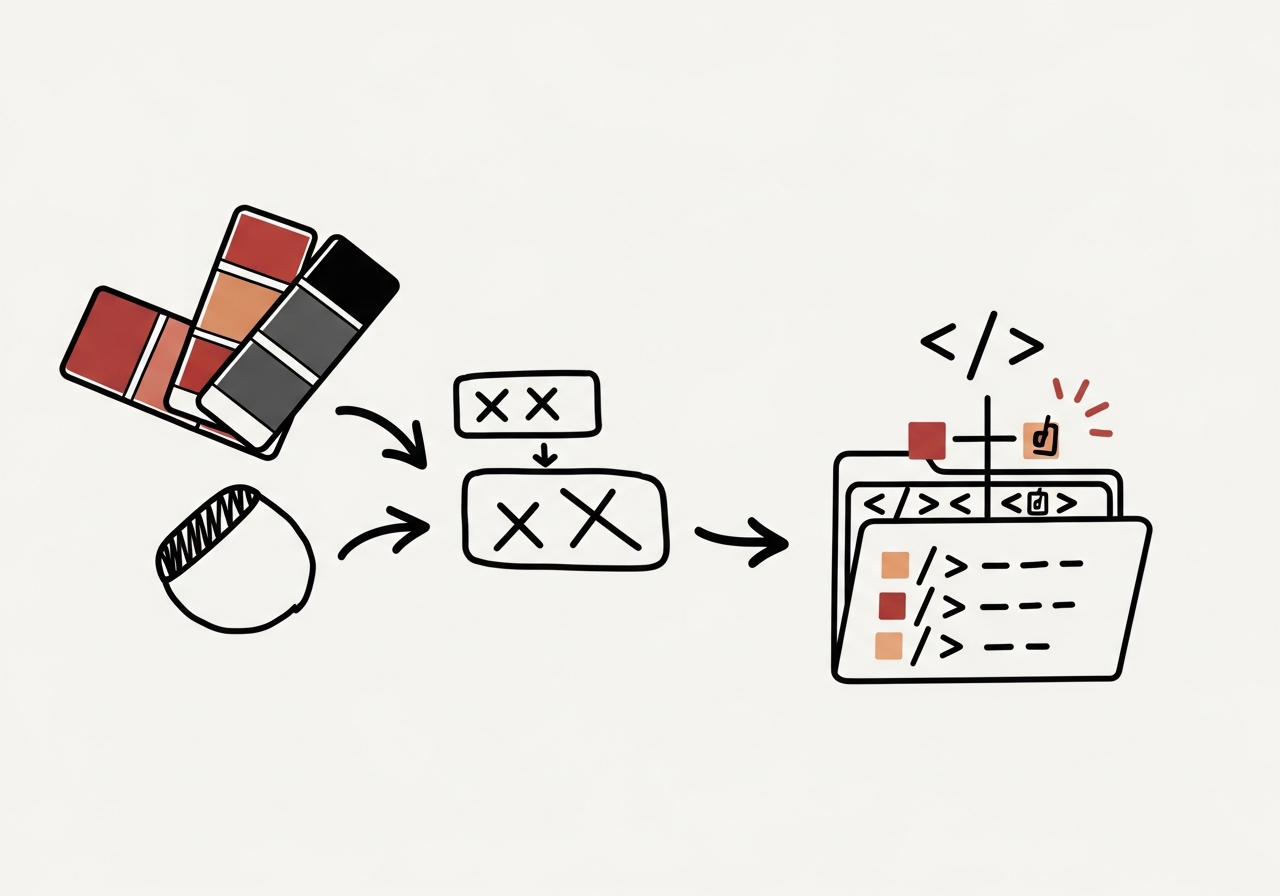
This is the hardest shift for most design teams, and the one that pays back the most. Figma is a great canvas. It is a terrible source of truth for tokens, components, and states that ship to production. Names drift. Variables rot. The primary-500 in the file is not the primary-500 on the site by Thursday.
Claude Code flips this. The repo is the source of truth. Tokens are typed constants. Components have props you can read. States are real CSS classes or variants. When Claude Code reads your code, it reads the rules you've already enforced, and it'll tell you the moment you try to introduce a new hex value that doesn't match one.
We keep Figma for exploration and presentation. We keep the repo for anything that's going to ship. Figma's MCP integration lets us move between them without losing the link.
What to do: get your tokens into the codebase: real variables, not comments. Write a one-page CLAUDE.md that says "use these tokens, never hardcode colors, follow the component conventions in /ui." From that moment on, Claude Code is an enforcer, not just a builder.
4. The harness around Claude Code is also for you
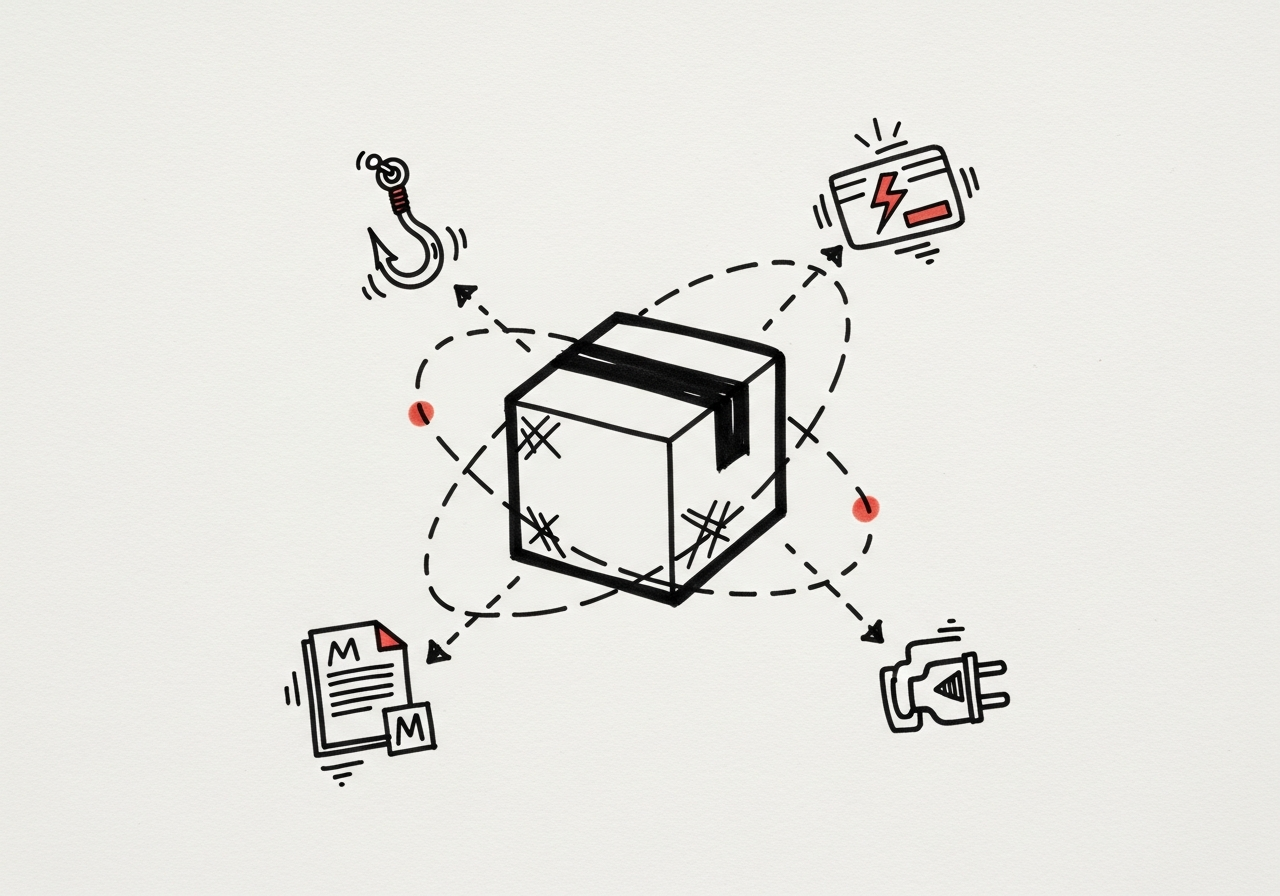
Everything we wrote for engineers about the harness around the model (hooks, skills, CLAUDE.md, MCPs) applies to designers, often more so.
- Skills (slash commands) are where you encode your design disciplines. We have skills for design critiques, accessibility audits, token audits, component handoff specs. Once they exist, they run in seconds.
- MCPs put your design systems inside the loop. Figma MCP. Pencil for native
.penfiles. Your CMS so Claude Code can read the real copy alongside the component. Your Linear so a design task can become a ticket without a context switch. - Hooks enforce the rules deterministically. A lint rule that rejects hardcoded colors is worth more than a paragraph of guidance.
CLAUDE.mdis where you write the rules of the house in plain English. Designers should own this file for design-heavy repos. It's a living style guide the model actually reads.
The designers with the smoothest Claude Code workflow aren't the most technical. They're the ones who invested in the harness.
5. Review loops keep your craft intact
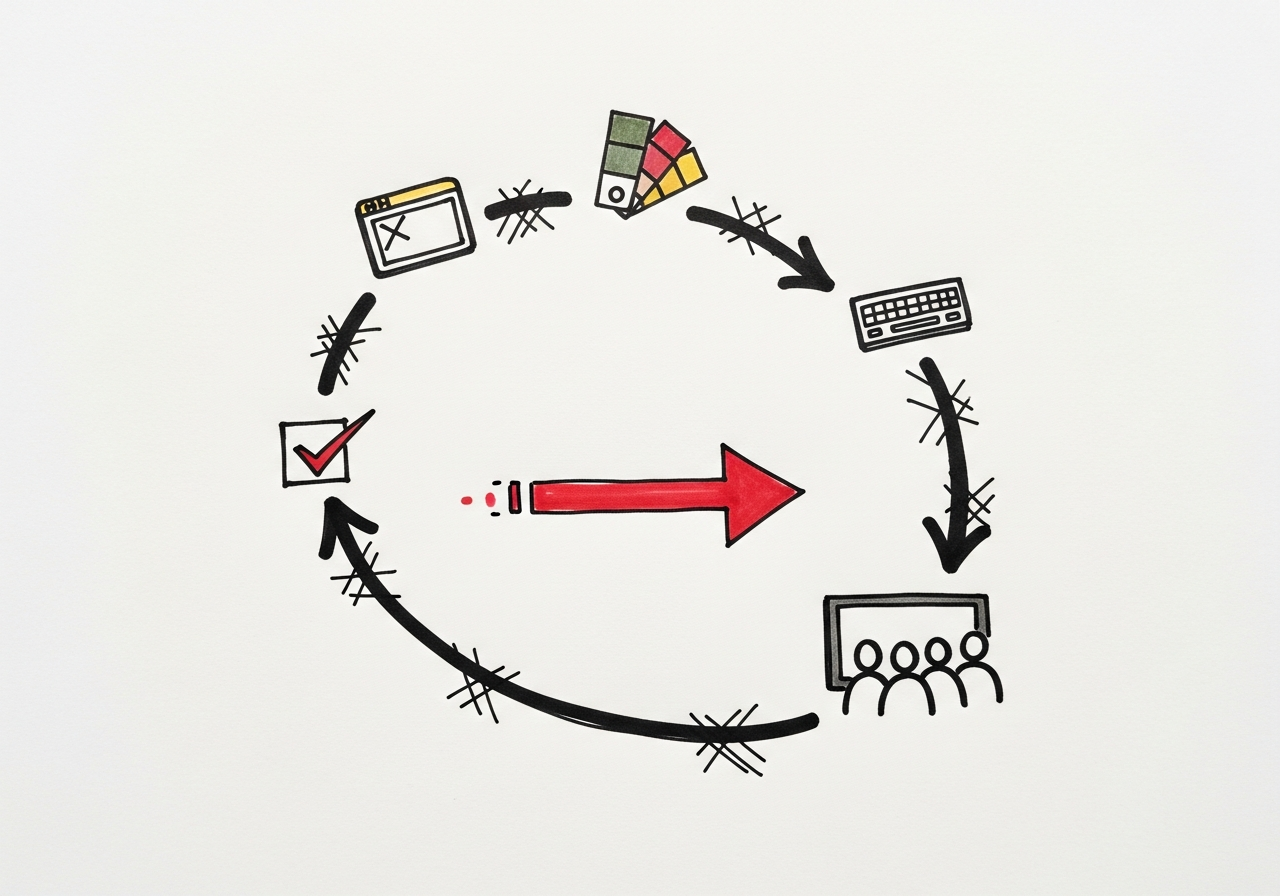
AI-generated UI looks plausible by default. That's the trap. A component that kind of works, kind of matches, kind of follows the system will pass a skim review and rot your system from the inside. Six weeks later you've got three variants of the same button and none of them match the tokens.
The review loop that works is the same one we run for engineering, with a design-specific twist:
- Render, don't read. Every change gets looked at in the preview before it merges.
- Check the tokens. Scan the diff for hardcoded values. If Claude Code invented a color, reject the change and tell it which token to use.
- Keyboard, screen reader, mobile. Accessibility and responsive behavior are not optional review steps; they're the review steps that catch the drift no screenshot will.
- Weekly demos. Show what shipped to the people who asked for it. This is where subtle pattern drift shows up first.
Skipping any of these feels faster. It isn't. It just moves the cleanup to later, when it costs more.
6. The git log is your design decision log
Designers are used to losing context. Figma comments get archived. Slack threads disappear. The rationale behind last quarter's radius change is gone by the time you need it.
In Claude Code, every design decision leaves a trail: a prompt, a diff, a commit message, a PR. git log becomes a readable record of what changed, why, and when. The designers who've embraced this stopped writing standalone design docs and started writing commit messages like design notes: short, specific, and explaining the why.
You don't need engineering tooling to read it. git log --oneline is a fine place to start. The question to ask is the same one we ask ourselves: what is this trail teaching me about how the product actually evolved?
The one-paragraph version
Claude Code isn't a coding tool you have to learn to code to use. It's a directed build tool that rewards clear specification, token-backed systems, and the same review discipline that makes good design good. The designers who get the most out of it stopped handing off and started shipping, with the preview window open, the tokens in the repo, and a CLAUDE.md that tells the model which rules of the house to follow. The craft doesn't go away. It moves upstream.
If you're a designer on the fence about Claude Code, start with one repo, one token file, and one skill. The rest compounds from there.

%22%2F%3E%3Cpath%20d%3D%22M0%20110h1200M0%20375h1200M0%20640h1200M180%200v750M600%200v750M1020%200v750%22%20stroke%3D%22rgb(244%20241%20234)%22%20stroke-opacity%3D%22.13%22%20stroke-width%3D%222%22%2F%3E%3Crect%20x%3D%2288%22%20y%3D%2286%22%20width%3D%221024%22%20height%3D%22578%22%20fill%3D%22none%22%20stroke%3D%22rgb(244%20241%20234)%22%20stroke-opacity%3D%22.32%22%20stroke-width%3D%223%22%2F%3E%3Ctext%20x%3D%22110%22%20y%3D%22150%22%20fill%3D%22rgb(244%20241%20234)%22%20font-family%3D%22Montserrat%2C%20Arial%2C%20sans-serif%22%20font-size%3D%2228%22%20font-weight%3D%22800%22%20letter-spacing%3D%228%22%3ECLAUDE%20CODE%3C%2Ftext%3E%3Ctext%20x%3D%22110%22%20y%3D%22572%22%20fill%3D%22rgb(244%20241%20234)%22%20font-family%3D%22Montserrat%2C%20Arial%2C%20sans-serif%22%20font-size%3D%2276%22%20font-weight%3D%22900%22%3EBLACK%20FLAG%3C%2Ftext%3E%3Ctext%20x%3D%22110%22%20y%3D%22635%22%20fill%3D%22rgb(244%20241%20234)%22%20font-family%3D%22Montserrat%2C%20Arial%2C%20sans-serif%22%20font-size%3D%2252%22%20font-weight%3D%22700%22%3EJOURNAL%3C%2Ftext%3E%3CforeignObject%20x%3D%22110%22%20y%3D%22210%22%20width%3D%22940%22%20height%3D%22230%22%3E%3Cdiv%20xmlns%3D%22http%3A%2F%2Fwww.w3.org%2F1999%2Fxhtml%22%20style%3D%22font-family%3AMontserrat%2CArial%2Csans-serif%3Bfont-size%3A50px%3Bfont-weight%3A800%3Bline-height%3A1.02%3Bcolor%3Argb(244%20241%20234)%3Bletter-spacing%3A0%22%3EWhat%20a%20Year%20of%20Claude%20Code%20Trails%20Tells%20You%20About%20Your%20Team%3C%2Fdiv%3E%3C%2FforeignObject%3E%3C%2Fsvg%3E)
%22%2F%3E%3Cpath%20d%3D%22M0%20110h1200M0%20375h1200M0%20640h1200M180%200v750M600%200v750M1020%200v750%22%20stroke%3D%22rgb(244%20241%20234)%22%20stroke-opacity%3D%22.13%22%20stroke-width%3D%222%22%2F%3E%3Crect%20x%3D%2288%22%20y%3D%2286%22%20width%3D%221024%22%20height%3D%22578%22%20fill%3D%22none%22%20stroke%3D%22rgb(244%20241%20234)%22%20stroke-opacity%3D%22.32%22%20stroke-width%3D%223%22%2F%3E%3Ctext%20x%3D%22110%22%20y%3D%22150%22%20fill%3D%22rgb(244%20241%20234)%22%20font-family%3D%22Montserrat%2C%20Arial%2C%20sans-serif%22%20font-size%3D%2228%22%20font-weight%3D%22800%22%20letter-spacing%3D%228%22%3EPLAYBOOK%3C%2Ftext%3E%3Ctext%20x%3D%22110%22%20y%3D%22572%22%20fill%3D%22rgb(244%20241%20234)%22%20font-family%3D%22Montserrat%2C%20Arial%2C%20sans-serif%22%20font-size%3D%2276%22%20font-weight%3D%22900%22%3EBLACK%20FLAG%3C%2Ftext%3E%3Ctext%20x%3D%22110%22%20y%3D%22635%22%20fill%3D%22rgb(244%20241%20234)%22%20font-family%3D%22Montserrat%2C%20Arial%2C%20sans-serif%22%20font-size%3D%2252%22%20font-weight%3D%22700%22%3EJOURNAL%3C%2Ftext%3E%3CforeignObject%20x%3D%22110%22%20y%3D%22210%22%20width%3D%22940%22%20height%3D%22230%22%3E%3Cdiv%20xmlns%3D%22http%3A%2F%2Fwww.w3.org%2F1999%2Fxhtml%22%20style%3D%22font-family%3AMontserrat%2CArial%2Csans-serif%3Bfont-size%3A50px%3Bfont-weight%3A800%3Bline-height%3A1.02%3Bcolor%3Argb(244%20241%20234)%3Bletter-spacing%3A0%22%3EThe%20Black%20Flag%20Playbook%3A%20Six%20Principles%20for%20Shipping%20with%20AI%3C%2Fdiv%3E%3C%2FforeignObject%3E%3C%2Fsvg%3E)